Archived content
NOTE: this is an archived page and the content is likely to be out of date.
Loading Documents
Load documents in the following procedure:
Loading Documents into the ADF
- If you are loading multiple sheets, check the documents.
- Check that the documents to be loaded are of the same width.
Documents that are different in width can not be loaded together at a time. - Check the number of sheets.
Up to 50 sheets can be loaded (with paper weight of 80 g/m² [20 lb] and thickness of the document stack under 5 mm).
- Check that the documents to be loaded are of the same width.
- Fan the documents.
Before loading a stack of documents, fan them by referring to "How to Fan Documents". - Set the ADF paper chute (feeder).

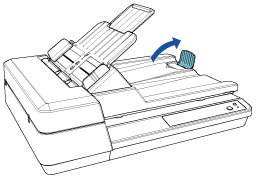
- Lift up the stopper if needed.
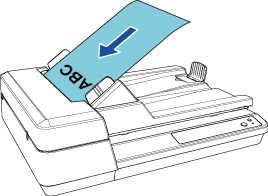
- Load the documents in the ADF paper chute (feeder).
Load the document with the front side (scanning side) facing up.
Important: - Remove all paper clips and staples.
- Reduce the number of sheets if a multifeed or pick error occurs.
- Adjust the side guides to the width of the document.
Do not leave space between the side guides and the document.
Otherwise, the document may be fed skewed.

-
Placing a Document on the Flatbed
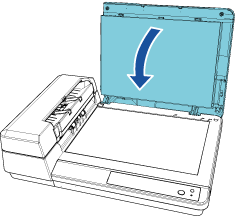
- Open the document cover.
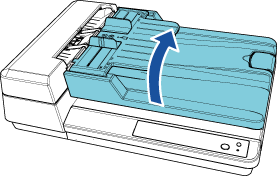
- Place a document.
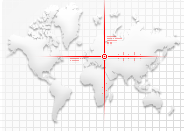
Place the document face-down to align its top left-hand corner with the reference point.
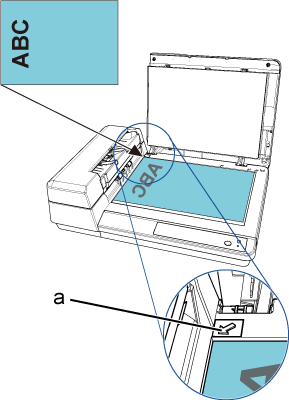
a Reference Point - Close the document cover.