

Setup Procedure for Using the Camera Function
Set up ScanSnap Home to scan documents using the camera function.
Even without a ScanSnap, you can simply take a photo of a document with the camera function on a mobile device and save an image that is automatically cropped to the same size as the document on the mobile device or to a cloud service.
iOS/iPadOS
To use the camera function, you must sign in to a ScanSnap account.
For regions where ScanSnap accounts can be used, refer to here.
Android/ChromeOS
To use the camera function, you must sign in to a ScanSnap account.
For regions where ScanSnap accounts can be used, refer to here.
The camera function is not supported for ChromeOS.
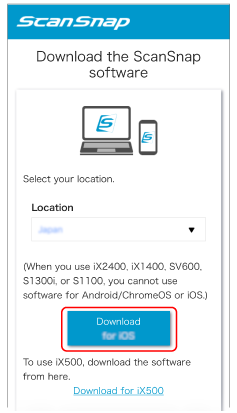
- Install the software on your mobile device.
Download the software from here.
- Start ScanSnap Home.
Follow the instructions on the displayed screen to continue the setup.
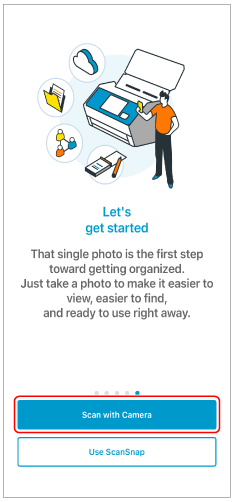
If a screen appears during setup asking whether you want to scan using the camera function or ScanSnap, tap [Scan with Camera] to continue.
When the scan settings screen appears, the setup is complete.
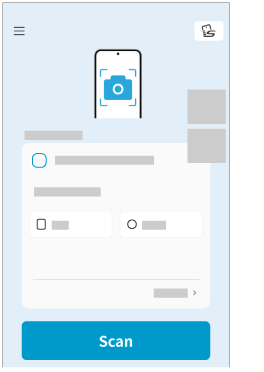
Make sure that you can scan documents using the camera function.