


Overview
How it works
Perfectly balancing quality and affordability
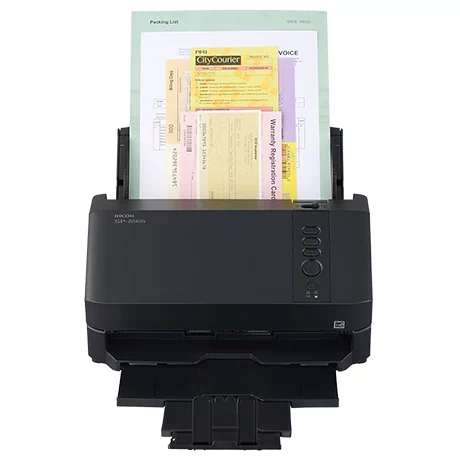
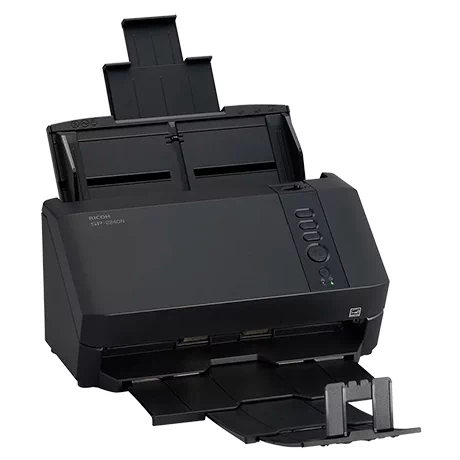
Designed for today’s cost-conscious businesses, the RICOH SP-2240N delivers fast, reliable, and cost-effective performance in a compact design with flexible connectivity—built on trusted RICOH fi Series technology. The model makes digitization simple, efficient, and accessible for any team.
- Fast, accurate scanning: 40 ppm / 80 ipm with an 80-sheet ADF
- User-friendly design: Simple touch buttons and a small footprint
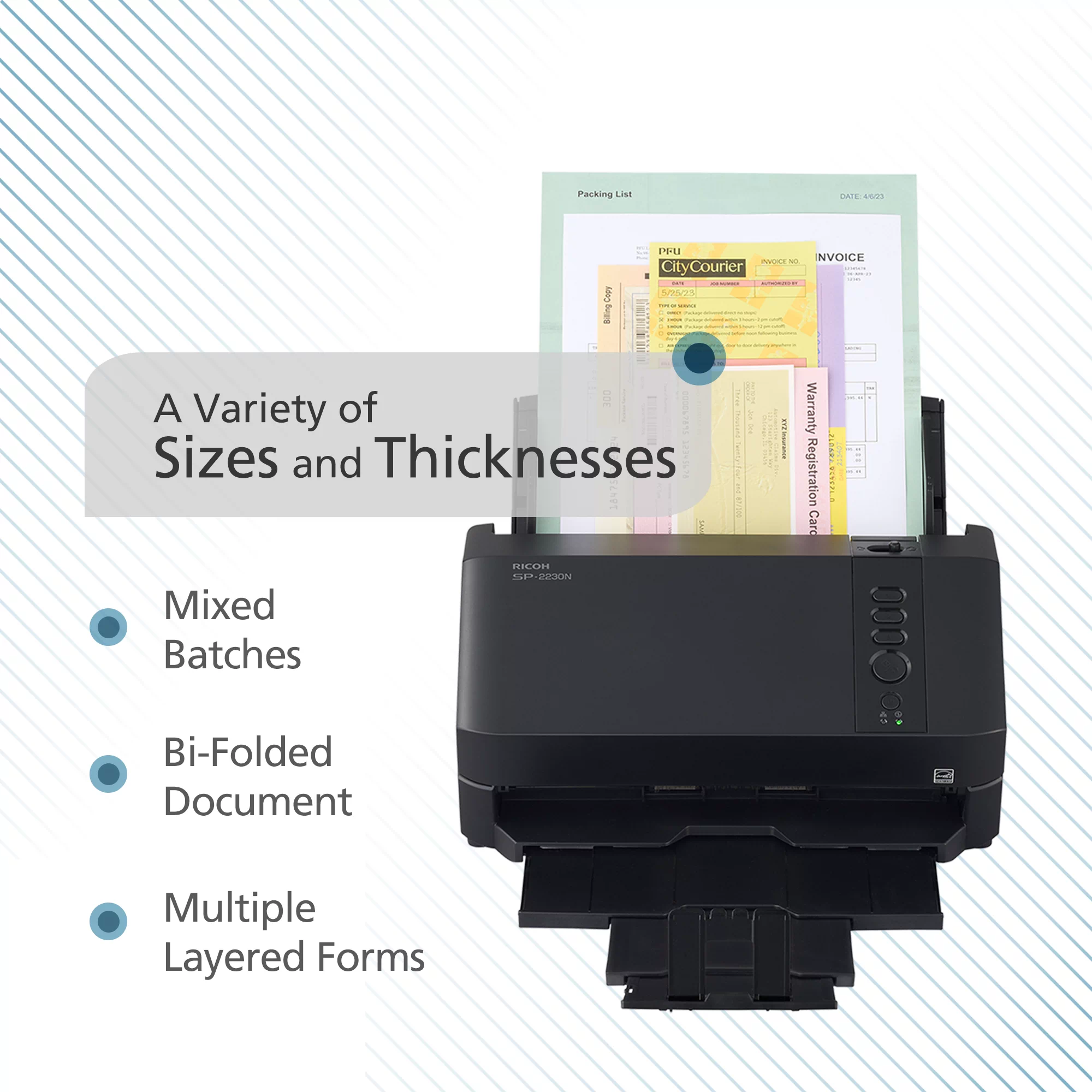
- Handles a wide range of document types: From ID cards to folded A3 documents
- Enhanced image quality: Automatic size detection, automatic rotation, and blank page removal, with optimized image data powered by PFU Clear Image Capture
- Document protection: Real-time image monitoring helps prevent damage during scanning
- Intuitive PC-less DirectScan function: Boosts productivity and enables easy multi-user sharing
- PaperStream ClickScan: Easy digitization via right-click menu or scan-button start
- PaperStream IP and PaperStream Capture providing advanced image processing functions, with PaperStream Capture Pro and Pro Premium software as superior options
Features
Reliable, everyday scanning that balances quality and affordability
Delivers dependable performance that balances affordability and quality, making everyday document workflows easier for cost-conscious businesses. Designed for consistent daily use, with real-time image monitoring to help prevent document damage. Supports a wide range of documents—from standard business papers and plastic cards to folded A3 documents—in a compact, space-saving design.
Advanced accuracy with intelligent image processing
Delivers optimized, high-quality image data with enhanced OCR accuracy and image clarity, helping teams convert scanned documents into usable data faster. Powered by PFU Clear Image Capture, the scanner produces high-definition images for reliable data extraction.
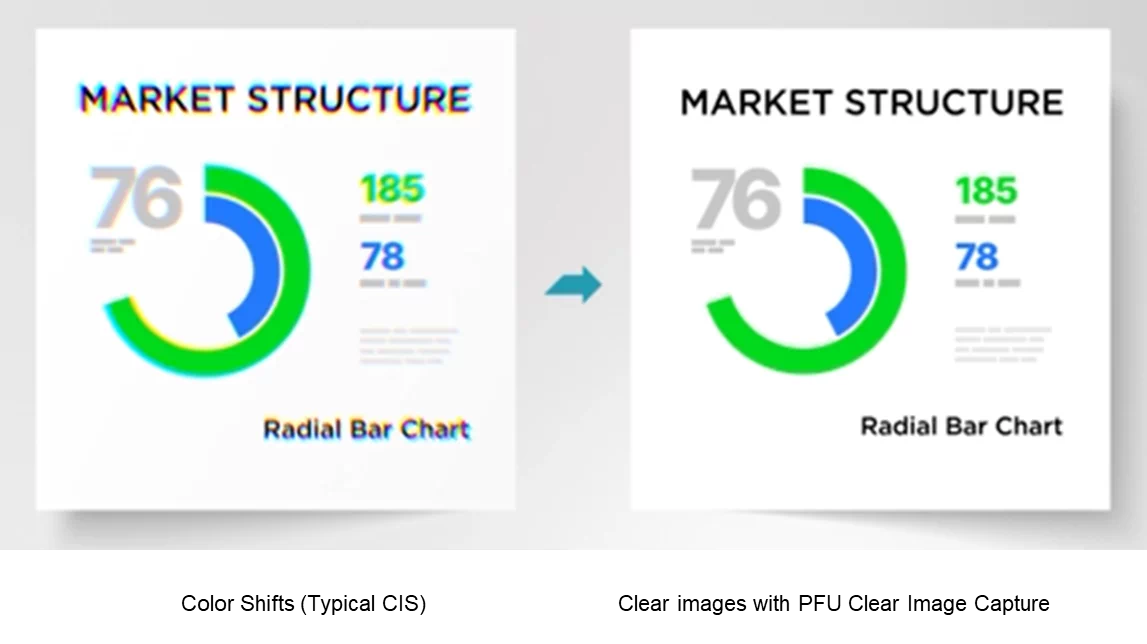
Intelligent image processing automatically handles adjustments such as paper size detection and auto rotation, ensuring consistent, reliable results regardless of document type or orientation.
Straightforward PC-based scanning with fast, intuitive operation
Enables quick and easy digitization through PaperStream ClickScan. Start scanning instantly from a right-click menu or with a single press of the scanner’s on-device button. Simple scanning presets streamline workflows and reduce the time needed to scan and save files.
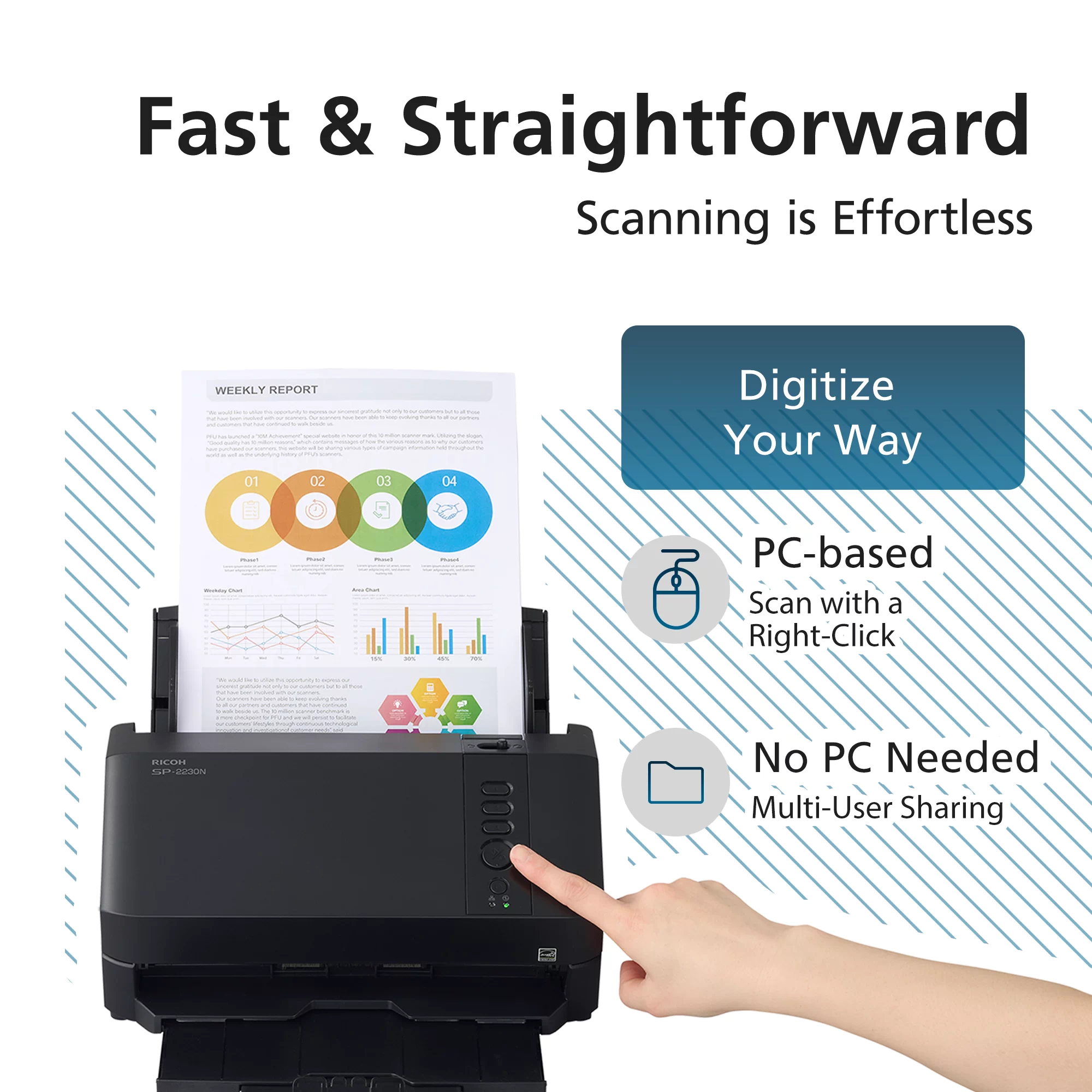
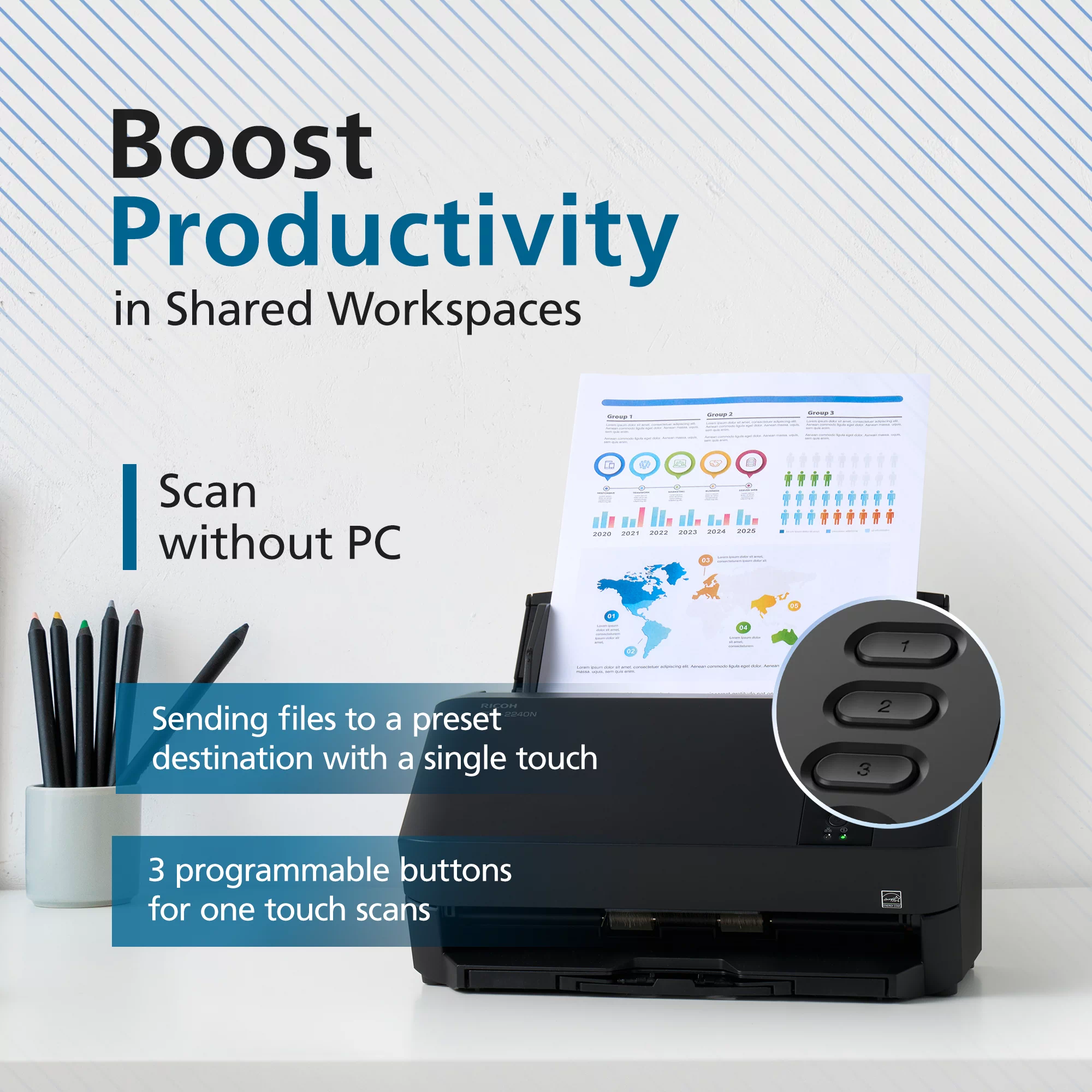
Flexible PC-less digitization for shared, multi-user environments
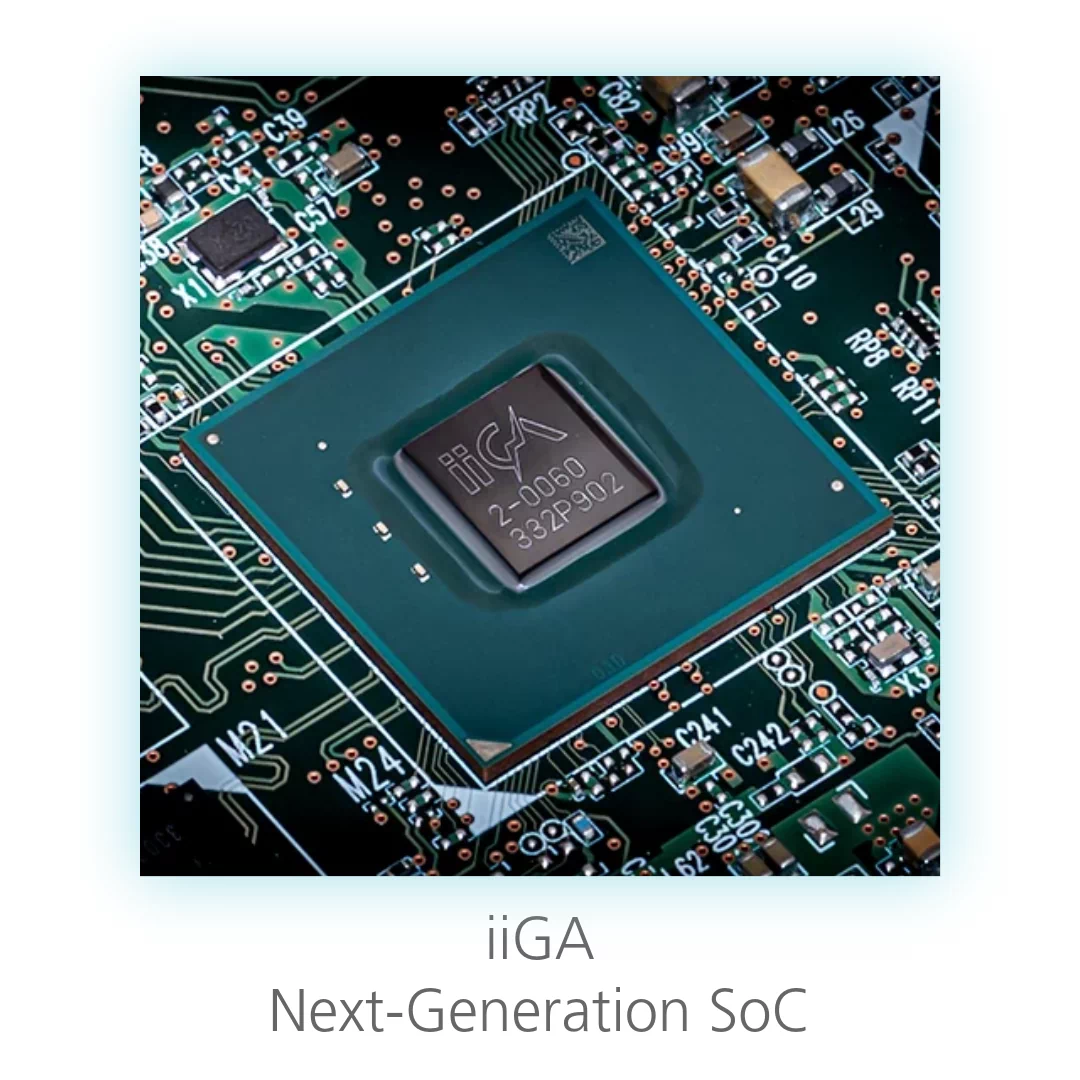
The scanner features the DirectScan function, enabling PC-less scanning and allowing scanned data to be saved directly to network folders or FTP servers by preconfiguring destination locations. Powered by the iiGA next-generation System on a Chip (SoC), the scanner maintains high scanning speeds while supporting advanced image processing, including automatic orientation correction, and more—delivering a smooth and efficient scanning experience.
Advanced software for higher productivity
Connect business workflow with PaperStream IP and PaperStream Capture
The PaperStream IP scanner driver, supporting both TWAIN/ISIS™, eliminates the need of making fine setting adjustments for OCR processes. It automatically converts images into exceptionally clean images, accelerating OCR even when scanning wrinkled, soiled and patterned documents. With an intuitive interface, PaperStream Capture allows users to feed information into their organization's workflow through various capture features during batch scanning effectively and efficiently.
Environmentally Conscious Design
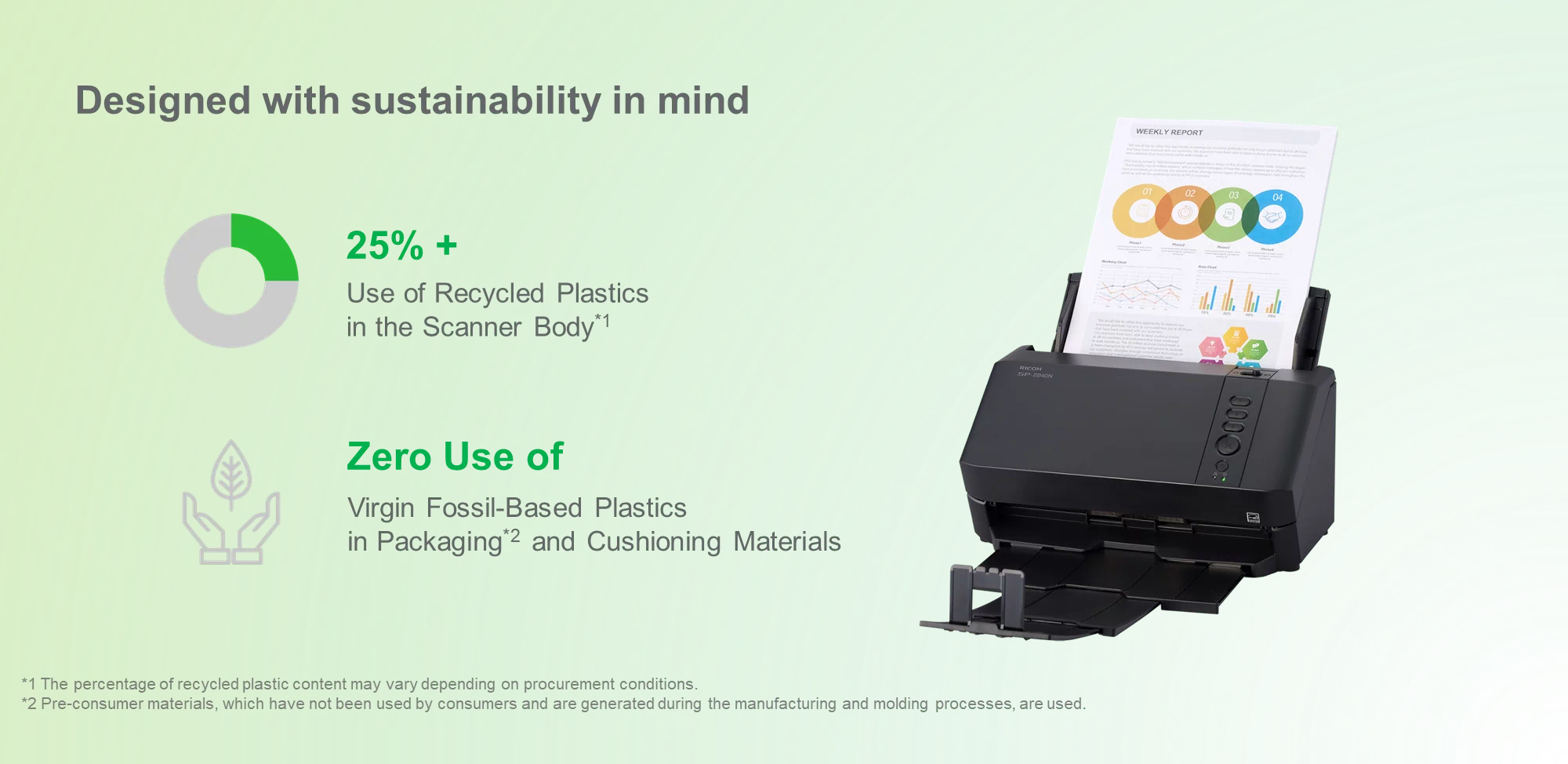
Recycled plastic is over 25% of the main unit's resin weight. We also use recycled plastics* and pulp molds for packaging and cushioning materials when transporting products, achieving zero use of virgin plastics derived from fossil resources. These contribute to reducing plastic waste.
*Pre-consumer materials, which have not been used by consumers and are generated during the manufacturing and molding processes, are used.
Learn More
For more details on our eco-friendly initiatives, please see RICOH Image Scanners Environment.
Specifications
As of June 30, 2026
| Product Name | SP-2240N | |
|---|---|---|
| Scanner Type | ADF (Automatic Document Feeder)/Manual Feed, Duplex | |
| Scanning Speed*1 (A4 Portrait) (Color*2/Grayscale*2/Monochrome*3) |
Simplex | 40 ppm (200/300 dpi) 13 ppm (400/600 dpi) |
| Duplex | 80 ipm (200/300 dpi) 26 ipm (400/600 dpi) |
|
| Image Sensor Type | CIS x 2 (front x 1, back x 1) | |
| Light Source | RGB LED x 2 (front x 1, back x 1) | |
| Optical Resolution | 600 dpi | |
| Output Resolution*4 (Color/Grayscale/Monochrome) |
50 to 600 dpi (adjustable by 1 dpi increments), 1,200 dpi (driver)*5 | |
| Output Format | Color: 24-bit, Grayscale: 8-bit, Monochrome: 1-bit | |
| Background Colors | White | |
| Document Size | Maximum*6 | 215.9 x 355.6 mm (8.5 x 14 in.) |
| Minimum | 50.8 x 50.8 mm (2.0 x 2.0 in.) | |
| Long Page Scanning*7 |
6,096 mm (240 in.) (up to 200 dpi) | |
| Paper Weight (Thickness) | Paper | 27 to 413 g/m² (7.2 to 110 lb)*8 |
| Plastic Card*9 | 1.4 mm (0.055 in.) or less | |
| ADF Capacity*10*11 | 80 sheets (A4 80 g/m² or Letter 20 lb) | |
| Expected Daily Volume*12 | 6,000 sheets | |
| Multifeed Detection | Overlap detection (Ultrasonic sensor), Length detection | |
| Paper Protection | Image monitoring | |
| Interface | USB | USB 3.2 Gen1x1/USB 3.0/USB 2.0/USB 1.1 (Connector Type: Type-C) |
| Ethernet | 10BASE-T, 100BASE-TX, 1000BASE-T | |
| Power Requirements | AC 100 to 240 V ±10 % | |
| Power Consumption | Operating Mode | 15 W |
| Sleep Mode | 1.4 W or less (LAN)/1.0 W or less (USB) | |
| Auto Standby (Off) Mode | 0.1 W or less | |
| Operating Environment | Temperature | 5 to 35°C (41 to 95°F) |
| Relative Humidity | 15 to 80% | |
| Environmental Compliance | ENERGY STAR, RoHS, EPEAT | |
| Dimensions*13 (Width x Depth x Height) |
292 x 163 x 150 mm (11.5 x 6.4 x 5.9 in.) | |
| Weight | 3.3 kg (7.3 lb) | |
| Supported Operating System | Windows 11*14, Windows 10*14, Windows Server 2025, Windows Server 2022, Windows Server 2019, Windows Server 2016, Linux (Ubuntu)*15 | |
| Software/Drivers*16 | PaperStream IP Driver (TWAIN/TWAIN x64/ISIS), WIA Driver*17, Image Scanner Driver for Linux (SANE)*17, PaperStream Capture Series, PaperStream ClickScan, Searchable PDF Option, Software Operation Panel, Network Setup Tool, Error Recovery Guide, PaperStream Central Admin, SP Series Online Update, Manual Installer | |
| Image Processing Functions*18 | Multi image output, Automatic color detection, Blank page detection & deletion, Dynamic threshold (iDTC), Advanced DTC, SDTC, Error diffusion, Dither, Static threshold, De-Screen, Emphasis, Dropout color (None/Red/Green/Blue/White/Saturation/Custom), sRGB output, Hole punch removal, Split image, De-Skew, Edge filler, Edge repair, Vertical streaks reduction, Cropping, Automatic rotation, Barcode detection (1D&2D), Background pattern removal, Front/Back merging | |
| Included Items | ADF paper chute, AC cable, AC adapter, USB 2.0 cable | |
-
Scanning speeds may vary due to the system environment. The values shown are the results of the evaluation under the following environment:
- Windows 10/CPU: Intel Core™ i3-10105 3.7GHz/Memory: 8GB/Storage: SSD
-
Indicated speeds are from using JPEG compression.
-
Indicated speeds are from using TIFF CCITT Group 4 compression.
-
Selectable maximum resolution may vary depending on the length of the scanned document.
-
Some limitations may apply to the size of documents that can be scanned, depending on system environment, when scanning at high resolution (over 600 dpi).
-
Maximum document width possible for scanning is 240 mm (9.5 in).
-
The capable scanning size varies depending on the resolution.
-
Thicknesses of 128 to 209 g/m² (34 to 56 lb) can be scanned for A8 (52 × 74 mm / 2.1 × 2.9 in.) sizes. Documents with a paper weight over 209 g/m² (56 lb) can only be fed one sheet at a time.
-
Compliant with ISO7810 ID-1 type. All cards, including embossed and non-embossed types, are in landscape orientation.
-
Maximum capacity depends on paper weight and may vary.
-
Capable of setting additional documents while scanning.
-
Numbers are calculated using scanning speeds and typical hours of scanner use, and are not meant to guarantee daily volume or unit durability.
-
Excludes the ADF paper chute and stacker.
-
Supports ARM-based Windows 11 PCs with the 32-bit version of the PaperStream IP (TWAIN) driver only. Not supported on ARM-based Windows 10 PCs or with the PaperStream IP (ISIS) driver.
-
Supports only USB connections.
-
Refer to the SP Series Support Site for driver/software downloads and full lineup of all supported operating system versions.
- Functions equivalent to those offered by PaperStream IP may not be available with the Image Scanner Driver for Linux or WIA Driver.
- Some DirectScan functions may vary from those listed
Accessories
| Part Number | Description | |
|---|---|---|
| Consumables | ||
| Brake Roller | PA03880-0001 | Every 200,000 sheets*1 |
| Pick Roller | PA03880-0002 | Every 200,000 sheets*1 |
| Options | ||
| Carrier Sheets | PA03360-0013 | Pack of 5 sheets |
| Photo Carrier Sheets | PA03770-0015 | Pack of 3 sheets |
| PaperStream Capture Pro | PA43404-B403 | One year license |
| PaperStream Capture Pro Premium | PA43404-B421 | One year license |
-
Replacement cycles are guidelines for using A4 documents (80 g/m² [20 lb]). These cycles vary depending on the type of documents scanned, how often the scanner is used and cleaned, and your operating environment.
Recommends use of original or approved accessories for consumables, options and cleaning kits designed for your device.
Device failures, troubles and damages arising from use of OEM or 3rd Party accessories may render your warranty invalid and incur charges for repair even during the warranty period.
Warranty
Find out the details about your product's warranty and information on how to extend your warranty.
Warranty Information (Worldwide)


