

Setup Procedure for Using the ScanSnap
Set up the ScanSnap.
The following preparations are required before setup.
-
Check that all items are included in the package
-
Remove the materials used for protection from the ScanSnap
For details, refer to Getting Started that is supplied with the scanner.
-
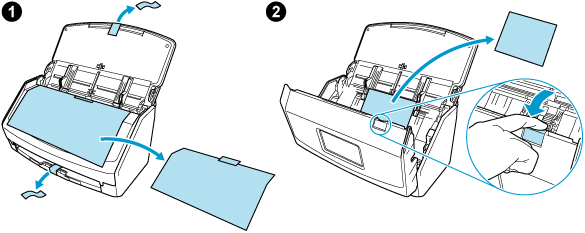
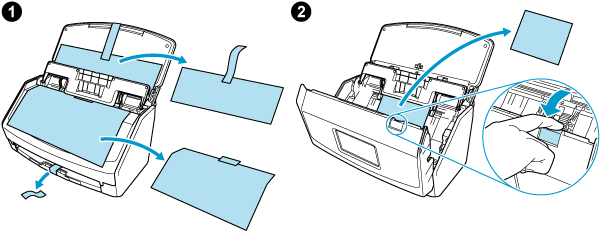
Remove the protective inner cover, tape
 , and the cardboard sheet
  from the ScanSnap
For ScanSnap iX1600
For ScanSnap iX1600 Receipt Edition
-
Remove the protective inner cover, tape
, and the cardboard sheet from the ScanSnap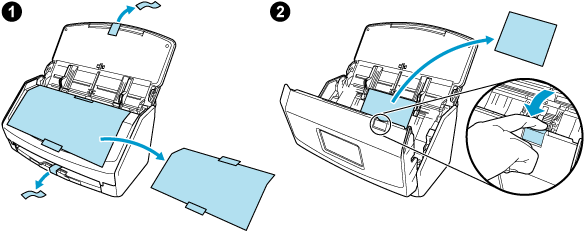
-
Remove the tape seal
and tape from the ScanSnap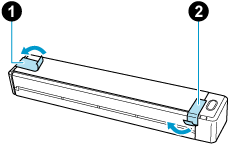
-
Connect the ScanSnap and the computer with a USB cable, or charge the battery using an optional USB power adapter until the battery indicator light turns off
For purchasing details of the USB power adapter, refer to "Suppliers of Consumables/Optional Parts" in About Customer Support and Maintenance.
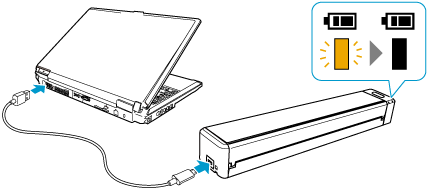 ATTENTION
Do not open the feed guide until the instructions are displayed on the window for installing software.
It is recommended to use the supplied USB cable, but you can also charge the ScanSnap using your own USB power adapter.
If you are already using ScanSnap Home on your mobile device, you do not need to perform the following steps. Refer to Connecting an Additional ScanSnap Unit to connect the ScanSnap to your mobile device.
- Configure the settings of the ScanSnap.
- Connect the power cable to the power connector on the ScanSnap and the AC outlet.
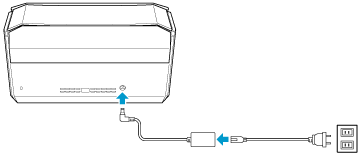
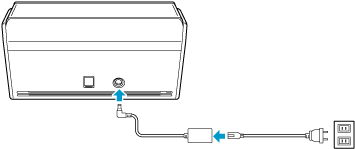
Use only the AC adapter and cables that are bundled with the ScanSnap. Using other adapters and cables may cause a scanner failure.
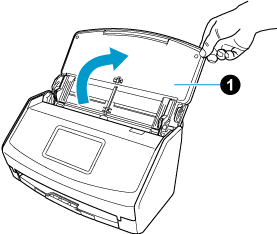
- Open the ADF paper chute (cover) of the ScanSnap.
When the ADF paper chute (cover) is opened, the power is turned on.
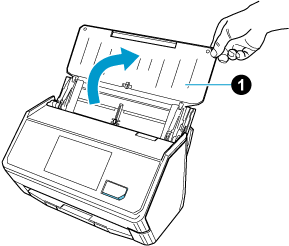
- Configure the settings of the ScanSnap by following the instructions on the touch panel.
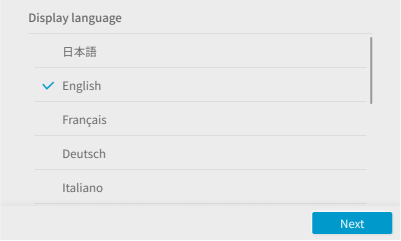
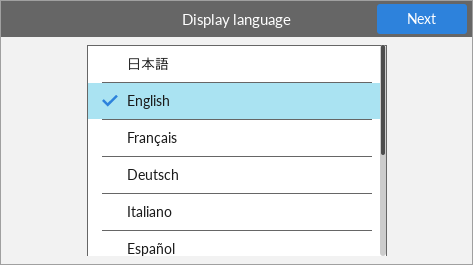
Follow the instructions on the displayed screen to complete the setup. When a screen that guides you through the installation of ScanSnap Home appears, proceed to the next step.
If you are already using ScanSnap Home on your mobile device, you do not need to perform the following steps. Refer to Connecting an Additional ScanSnap Unit to connect the ScanSnap to your mobile device.
- Connect the power cable to the power connector on the ScanSnap and the AC outlet.
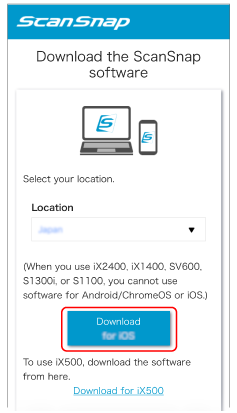
- Install the software on your mobile device.
Download the software from here.
- Start ScanSnap Home.
Follow the instructions on the displayed screen to continue the setup.
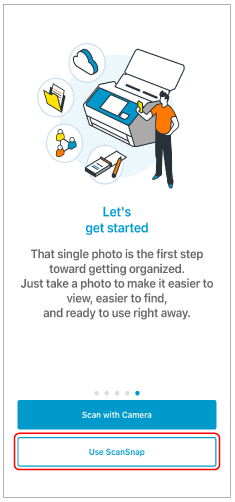
If a screen appears during setup asking whether you want to scan using the camera function or ScanSnap, tap [Use ScanSnap] to continue.
- When the [Setup is complete.] screen appears, tap the [Get started on ScanSnap] button.
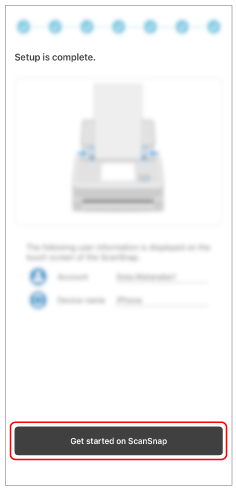
The setup of the ScanSnap is complete.
Load documents and confirm that you can perform a scan.